Type with your voice, anywhere on your Mac.

Tap Right Command, speak English or German, and the words appear wherever you're typing. Keep searchable notes and teach it the names and terms you use.

macOS 14+ · Apple Silicon · Build from source · Your own Deepgram API key

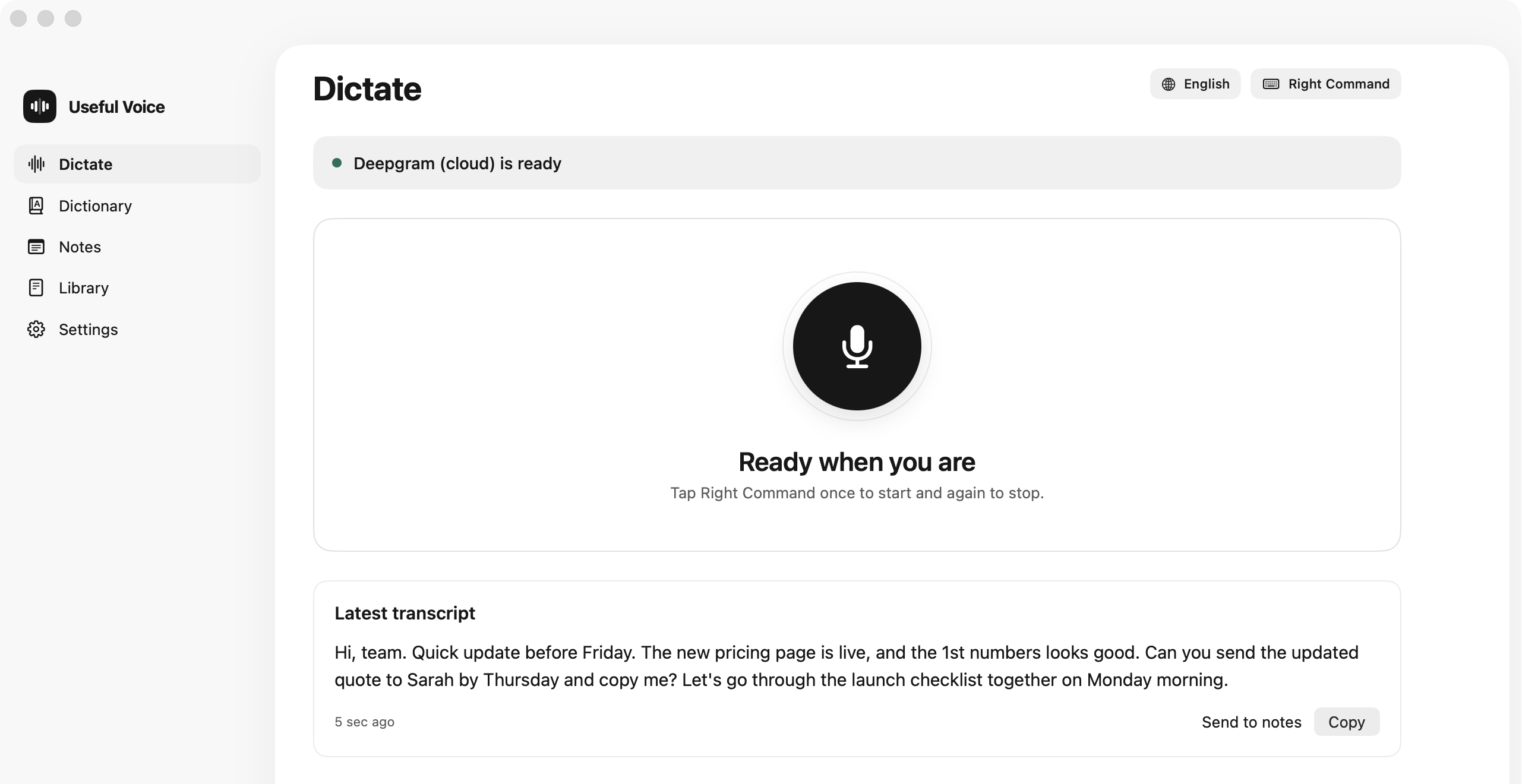
Useful Voice Dictate window with its microphone control, English language setting, keyboard shortcut and latest transcript.
The real app on a Mac. The transcript lands wherever your cursor is: email, documents, chat or code.
01

Teach it your words.

Add names and specialist terms as transcription hints, and fix a mistake once. Review the result for unfamiliar words.
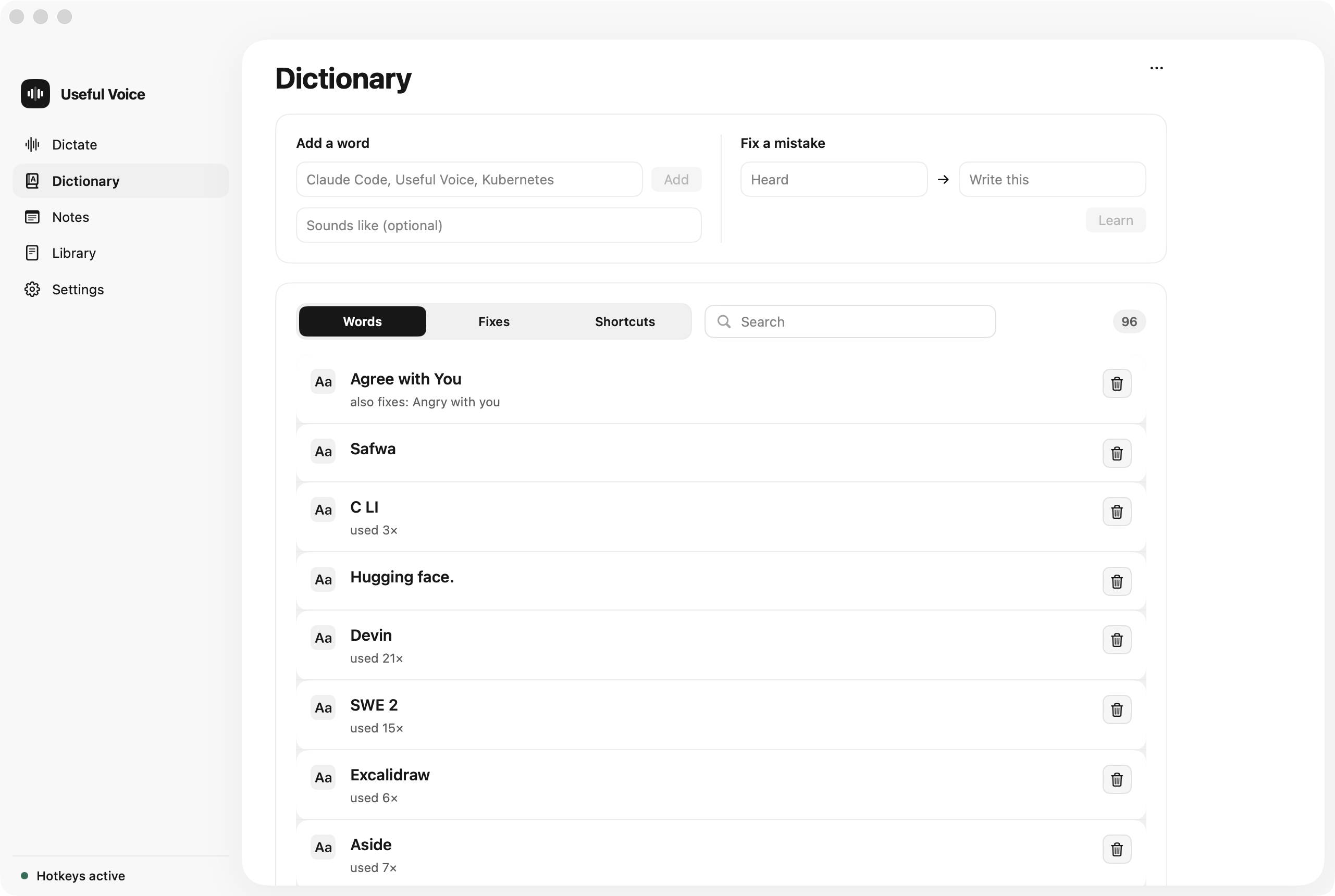
Useful Voice Dictionary with taught words and a fix-a-mistake form.
02

Your key stays in the Keychain.

Choose the language and hotkey, and connect Deepgram. The API key is stored in the macOS Keychain, not in a file.
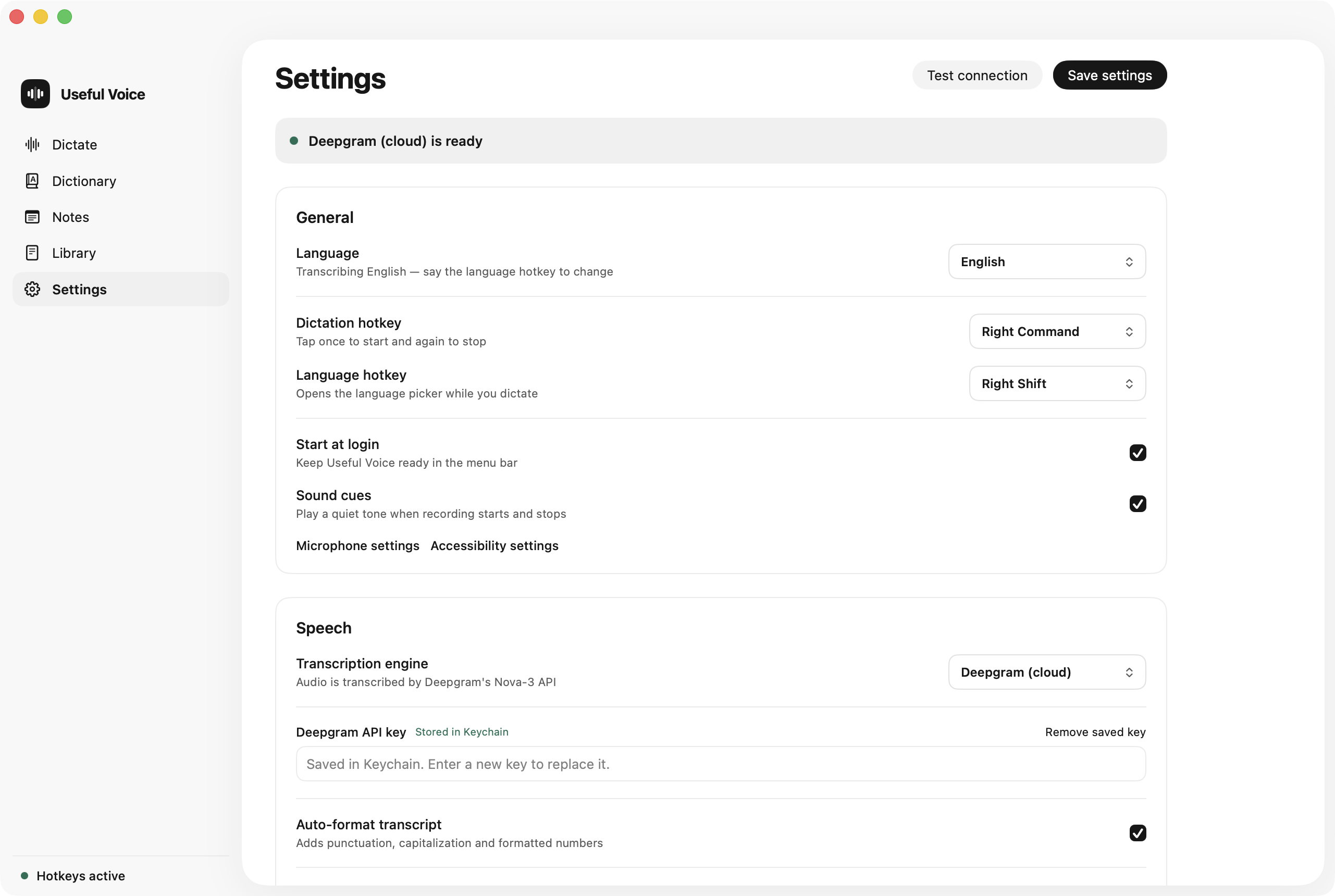
Useful Voice Settings with language, hotkeys and Deepgram ready.

Before you install.

  • Works onmacOS 14 or later, Apple Silicon
  • LanguagesEnglish and German
  • TranscriptionDeepgram, with your own API key. Usage is billed by Deepgram
  • Stays on your MacNotes, history and your dictionary
  • Leaves your MacAudio and dictionary hints, sent to Deepgram for transcription
  • How to get itBuild from source with the Xcode command-line tools

Build Useful Voice for your Mac.

Follow the setup in the repository: the Xcode command-line tools and your own Deepgram API key.